
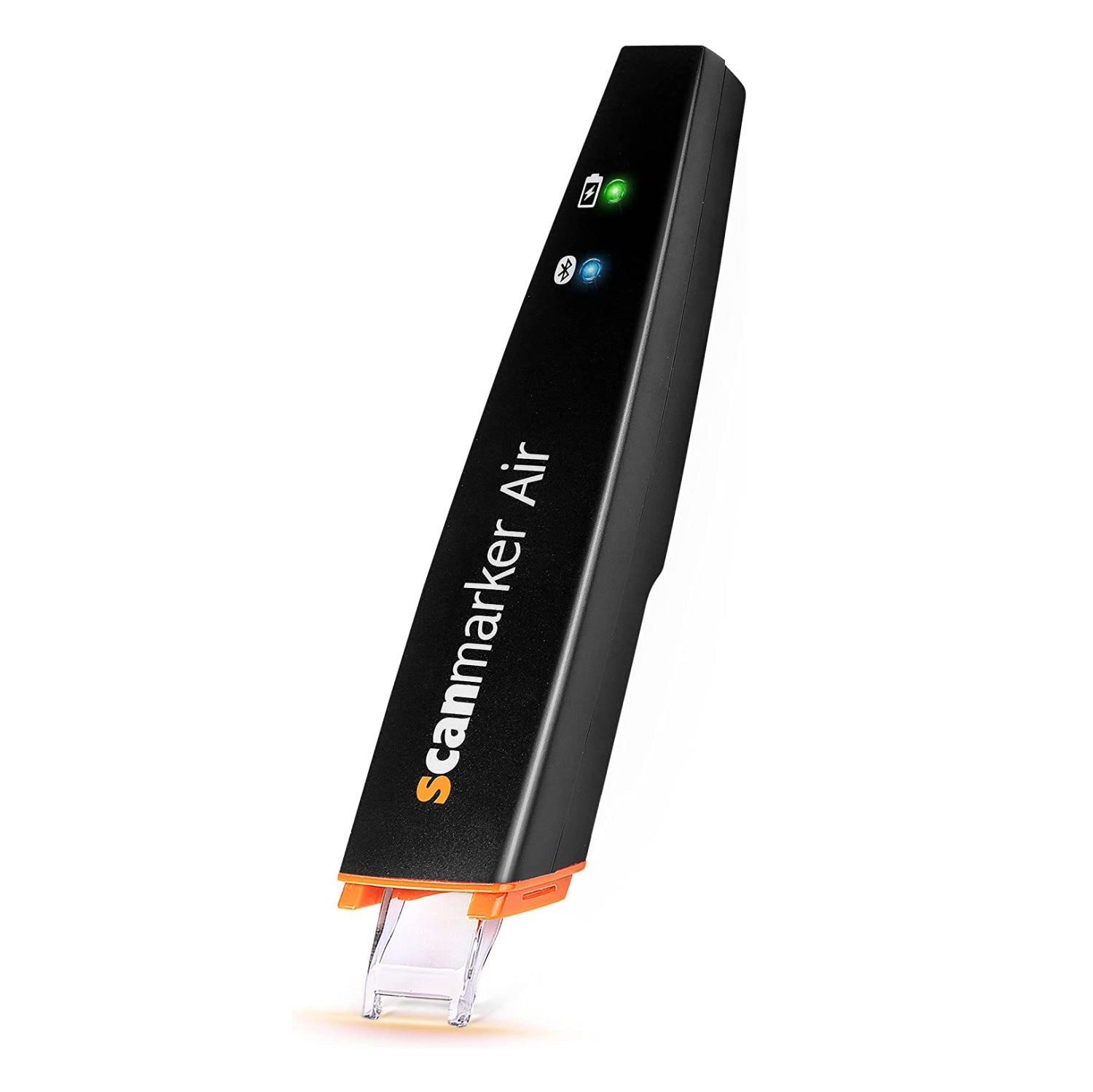


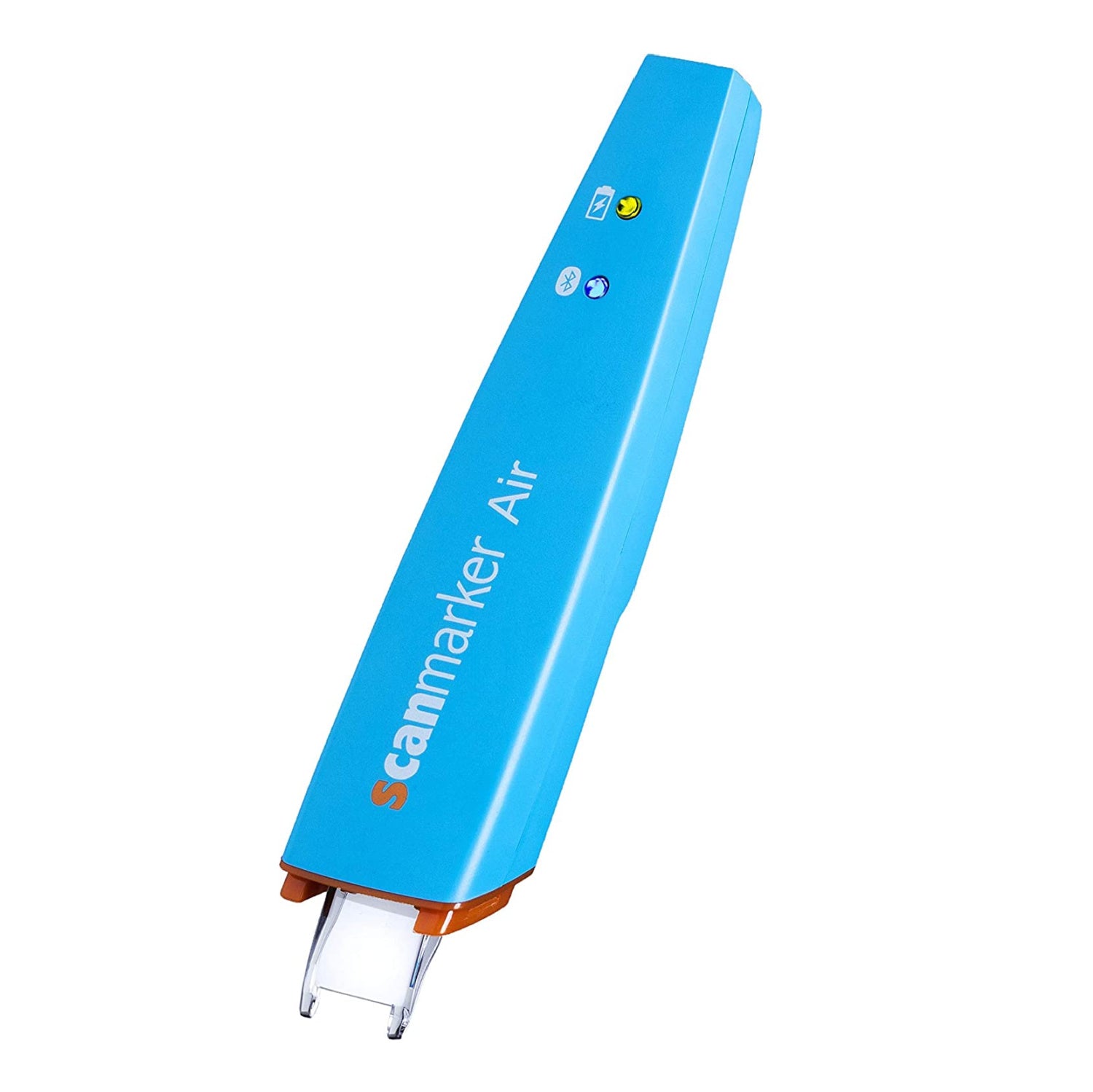
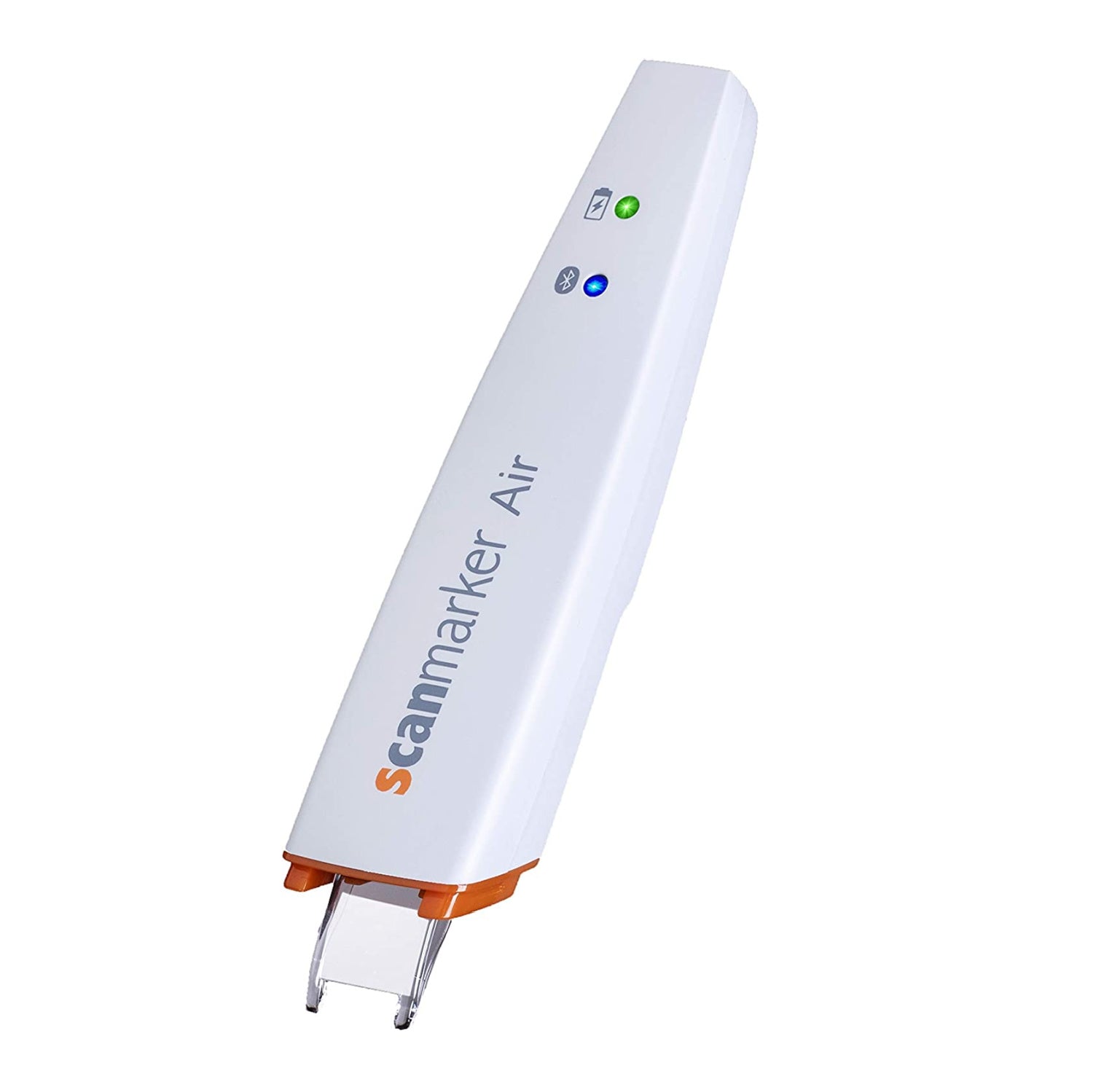
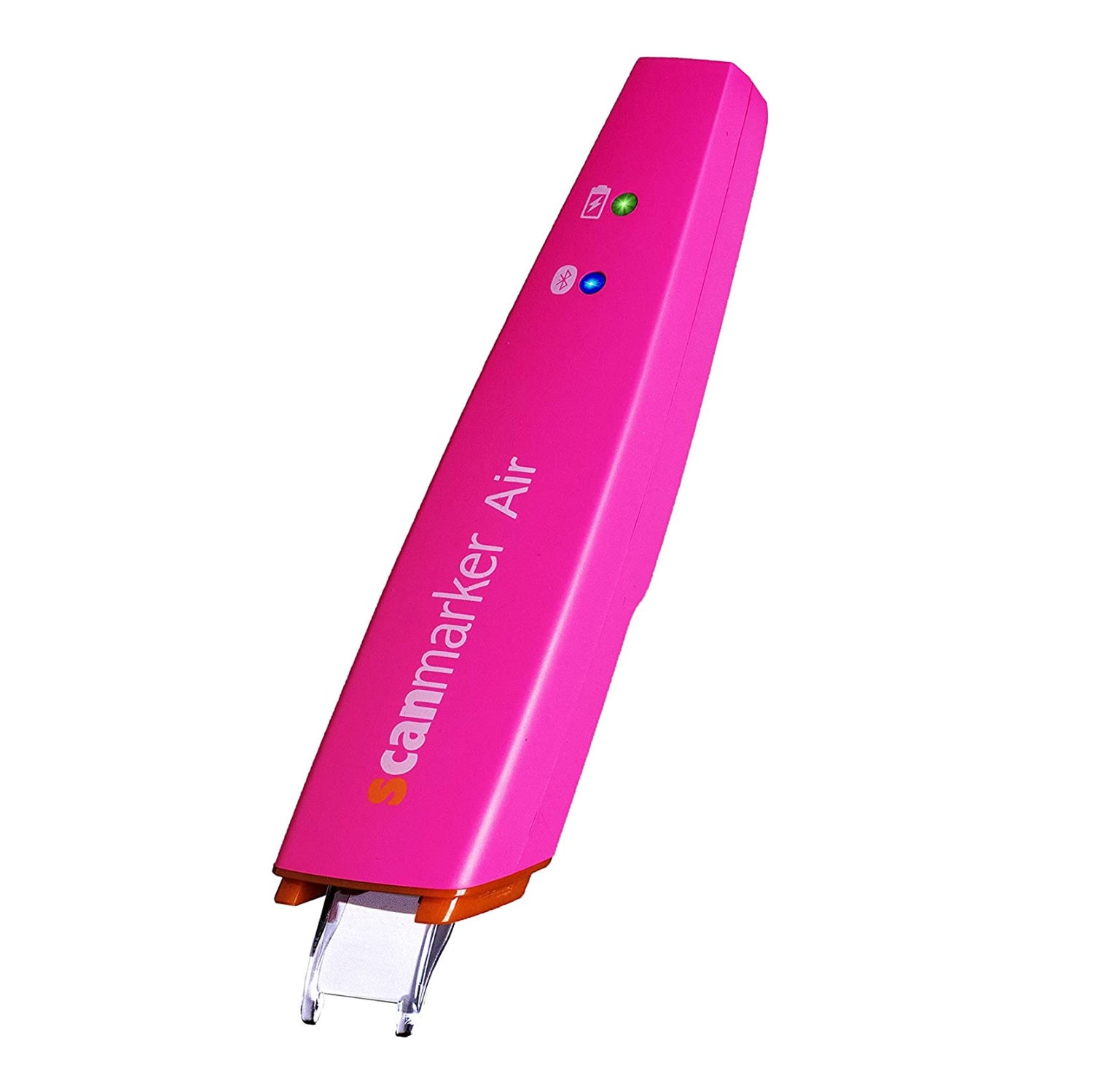

Scanmarker Air
Scanmarker Air
Couldn't load pickup availability
- Save thousands of hours with the wireless pen scanner from Scanmarker.
- Instead of manually retyping endless texts from documents and books, the pen scanner copies your text in seconds, straight to your PC/Mac/tablet/phone in any program or apps like Word, Google Docs, Evernote (on desktop software), or our intuitive web based app at app.scanmarker.com
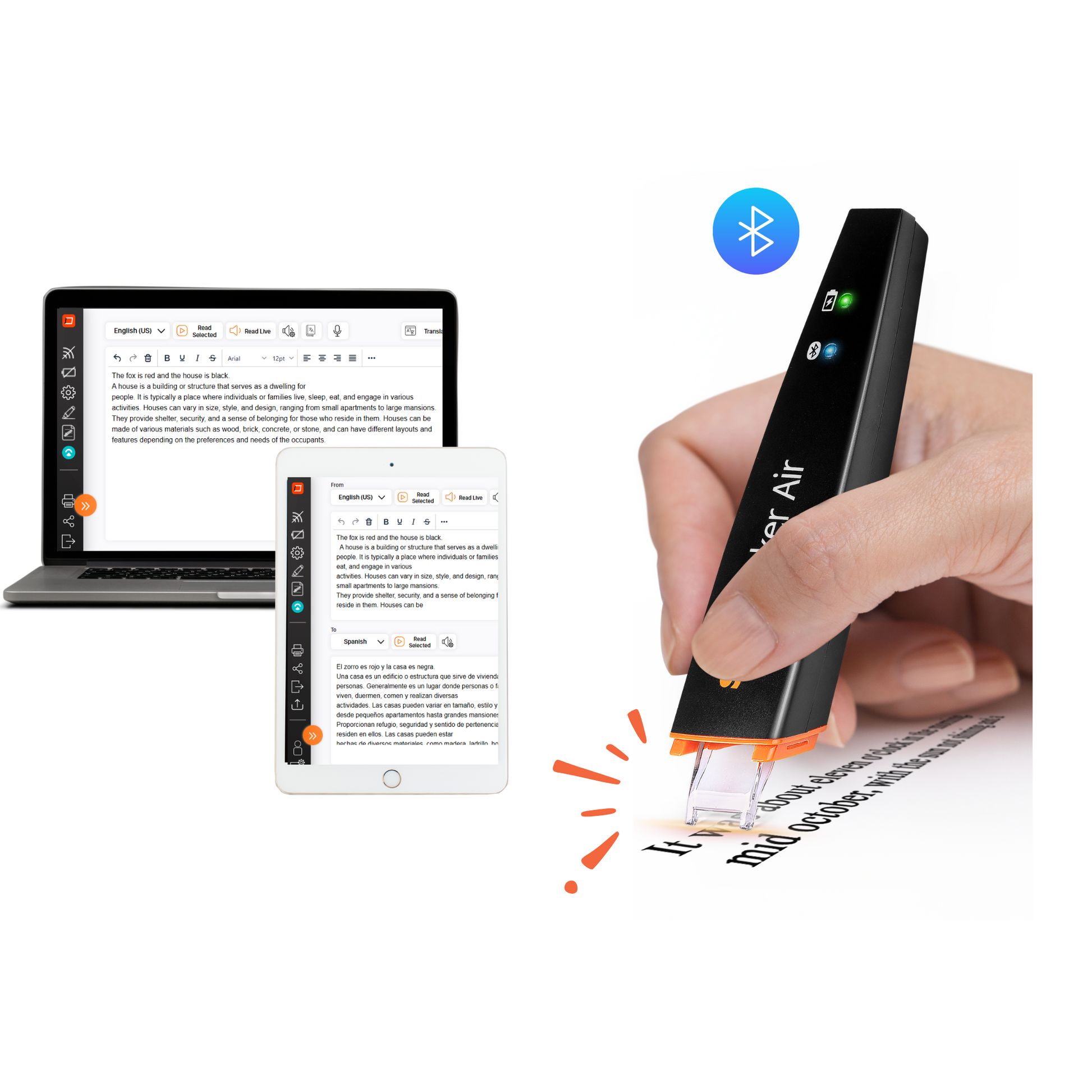
- Scan across a line of printed text and watch it appear instantly on the screen.
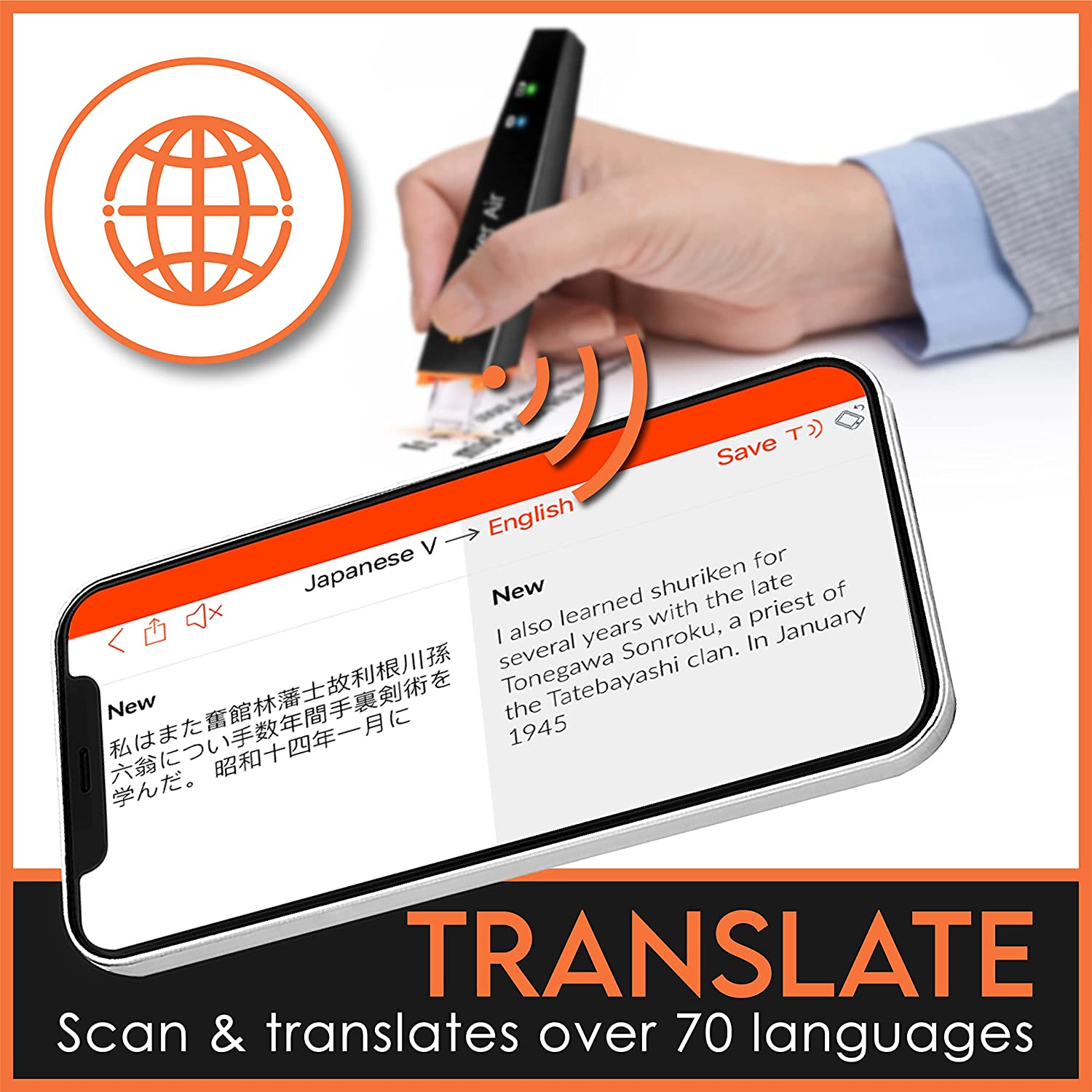
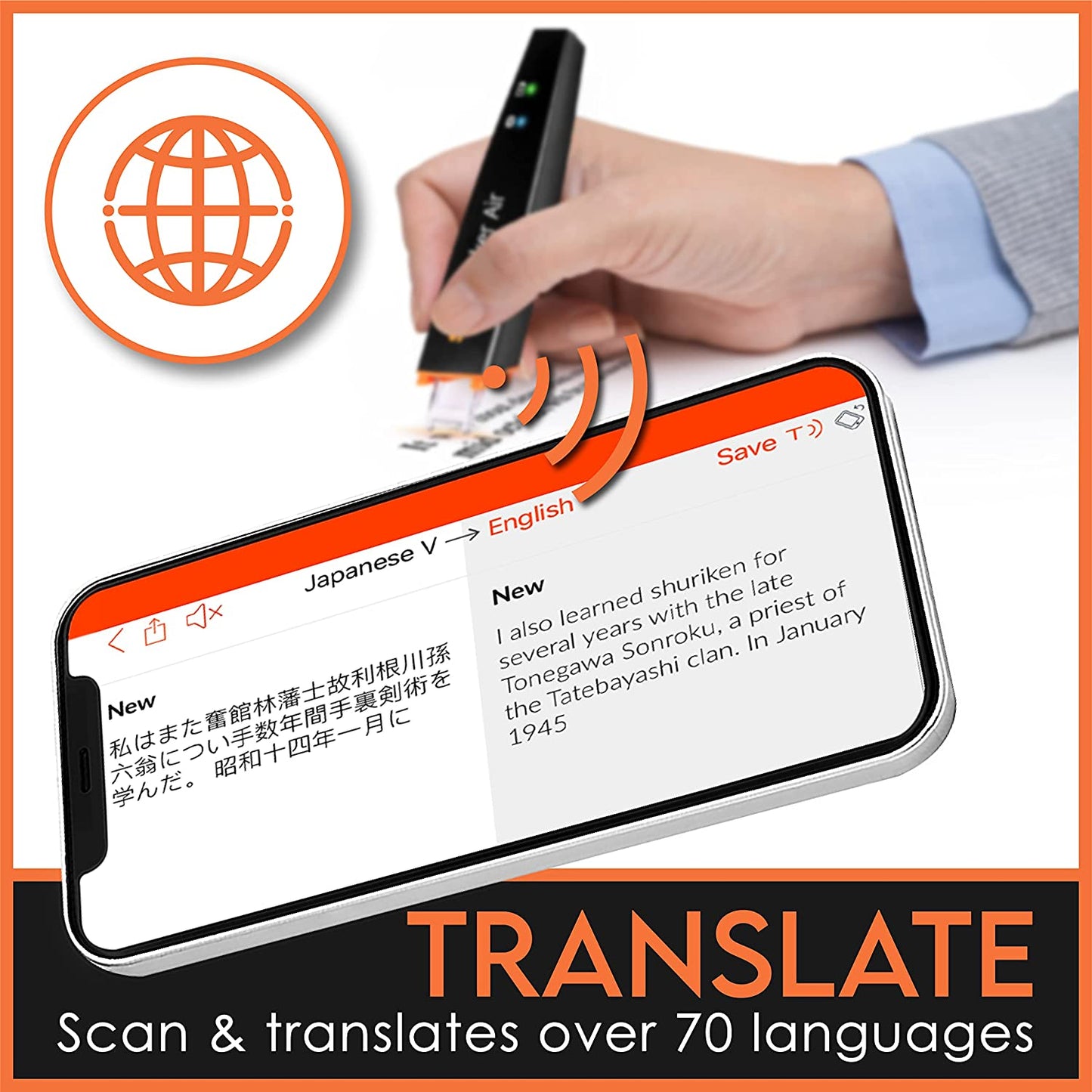
- Translate printed text instantly to over 140+ languages!
- Read any printed text- perfect for reading difficulties.
- Super accurate and fast multilingual OCR text scanner- ideal for students and professionals in the library, office, or on the go!
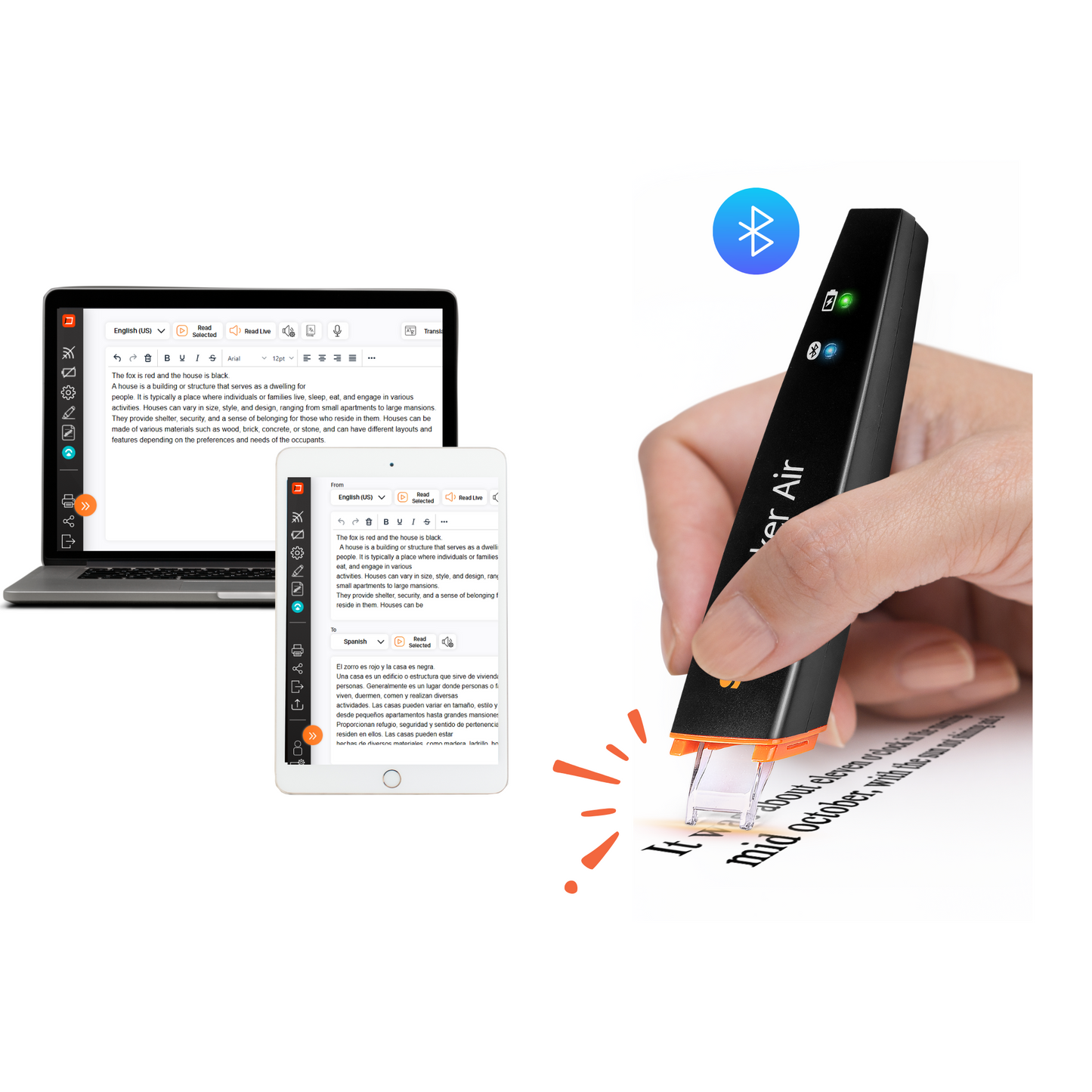
- Edit, read aloud in real-time and translate any printed text.
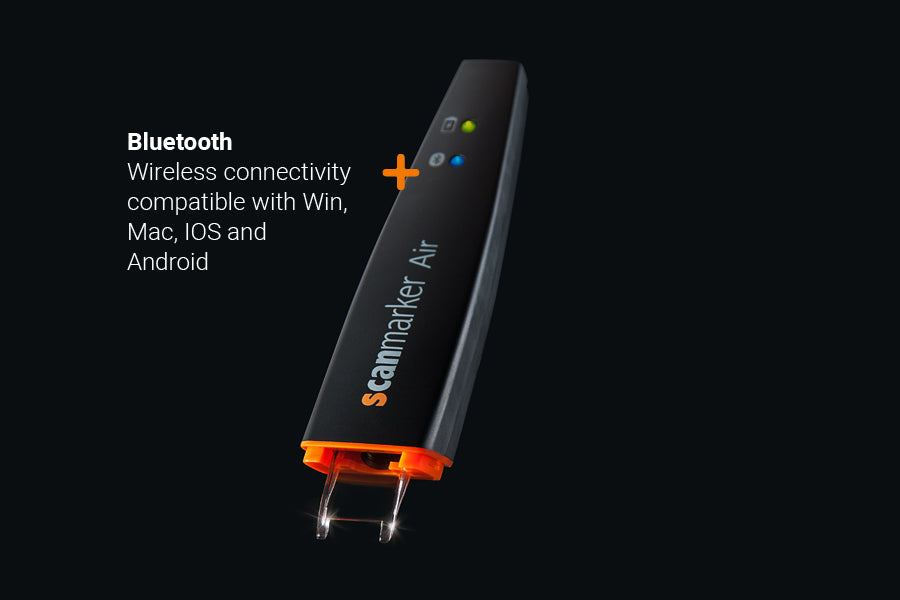
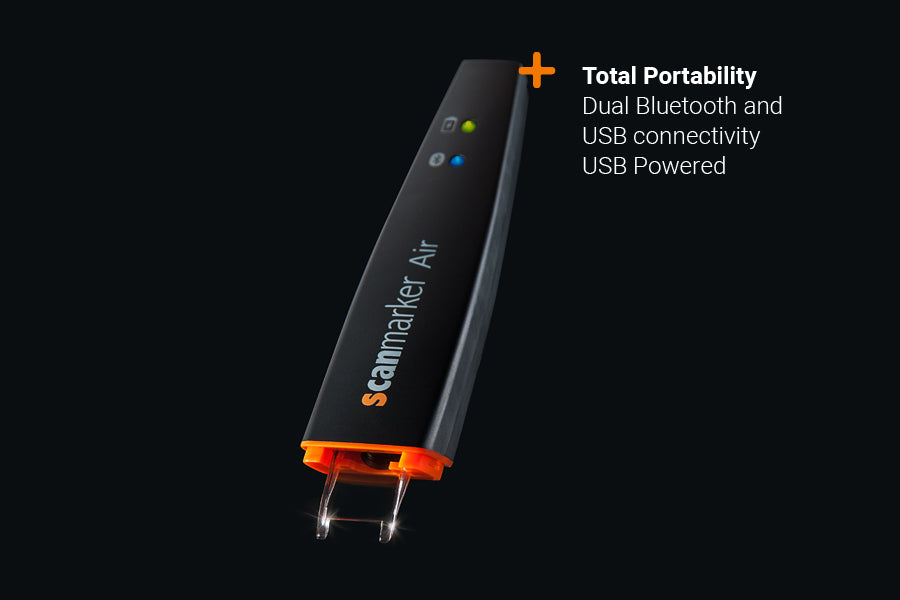
- Portable, lightweight and convenient – connect easily to all your devices via Bluetooth (BLE dongle included for wireless connection on Windows).
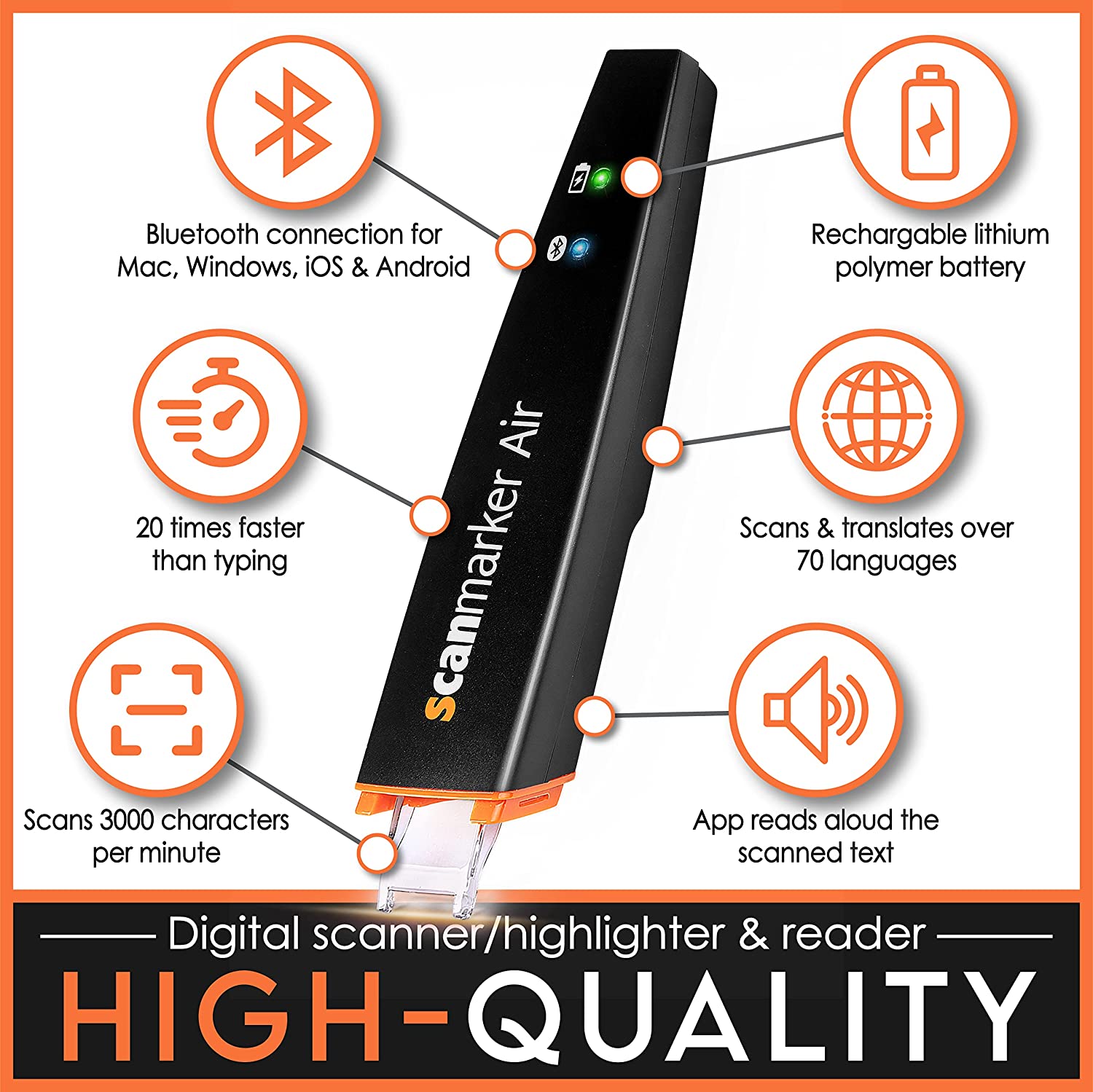
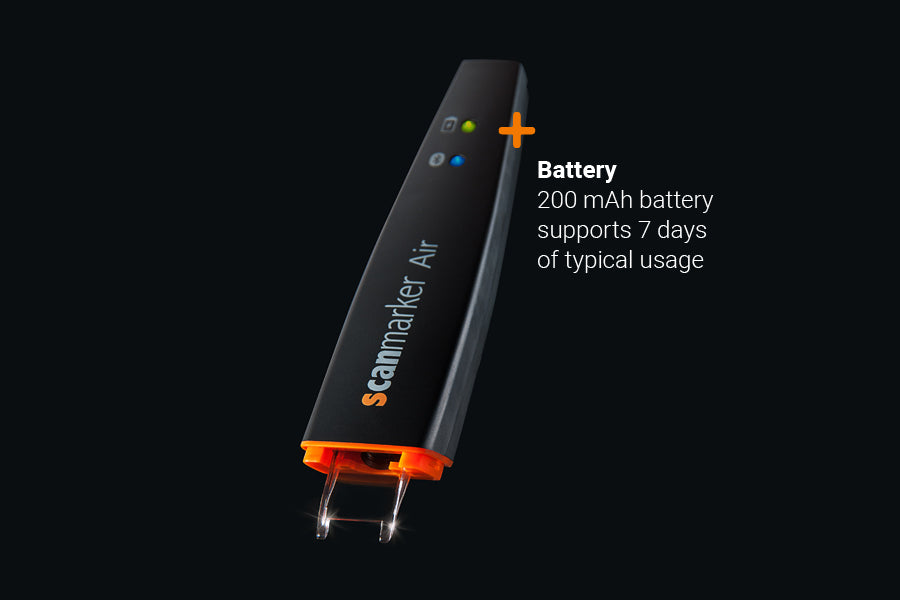
- Powerful built-in battery rechargeable via USB.
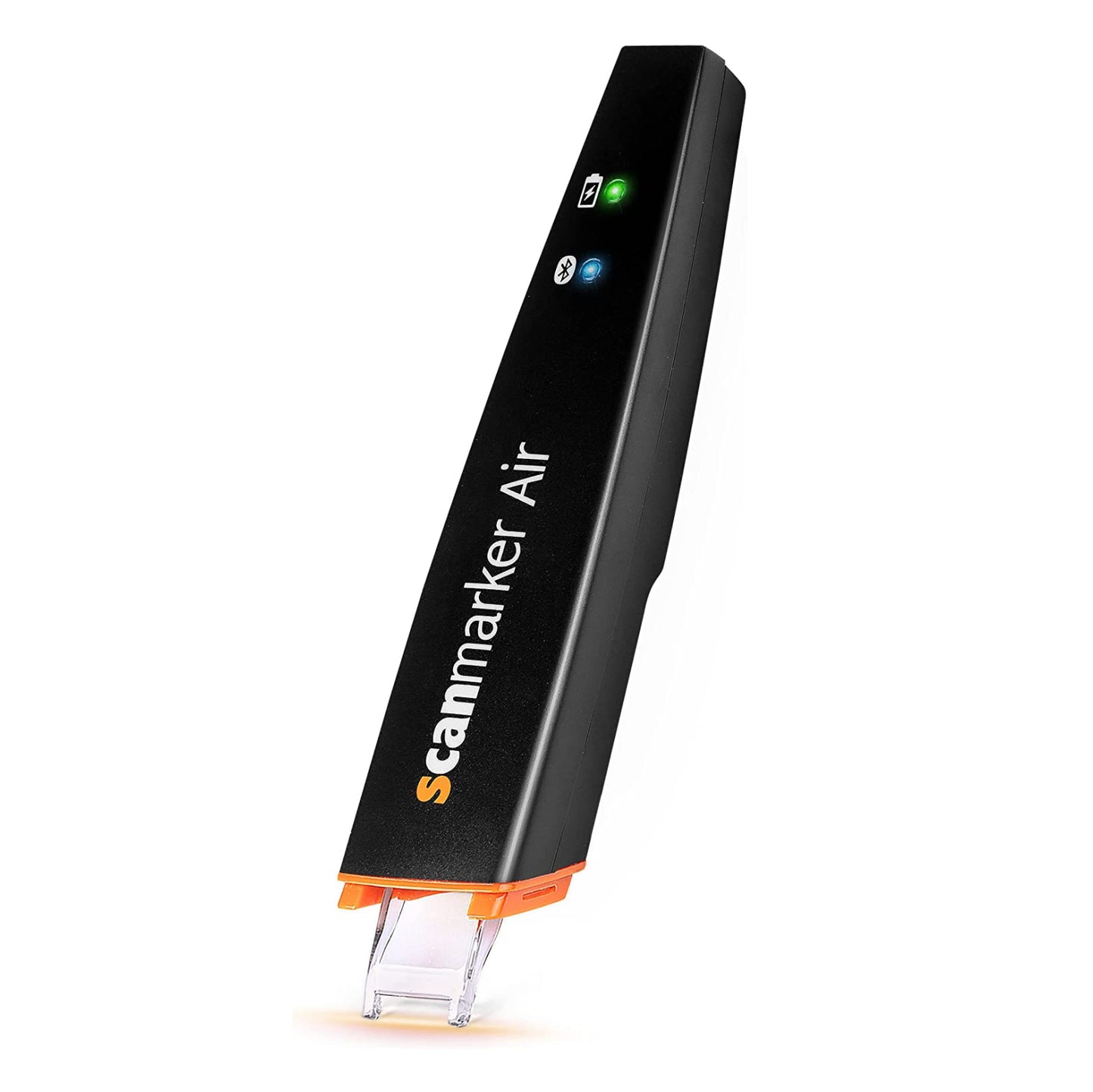


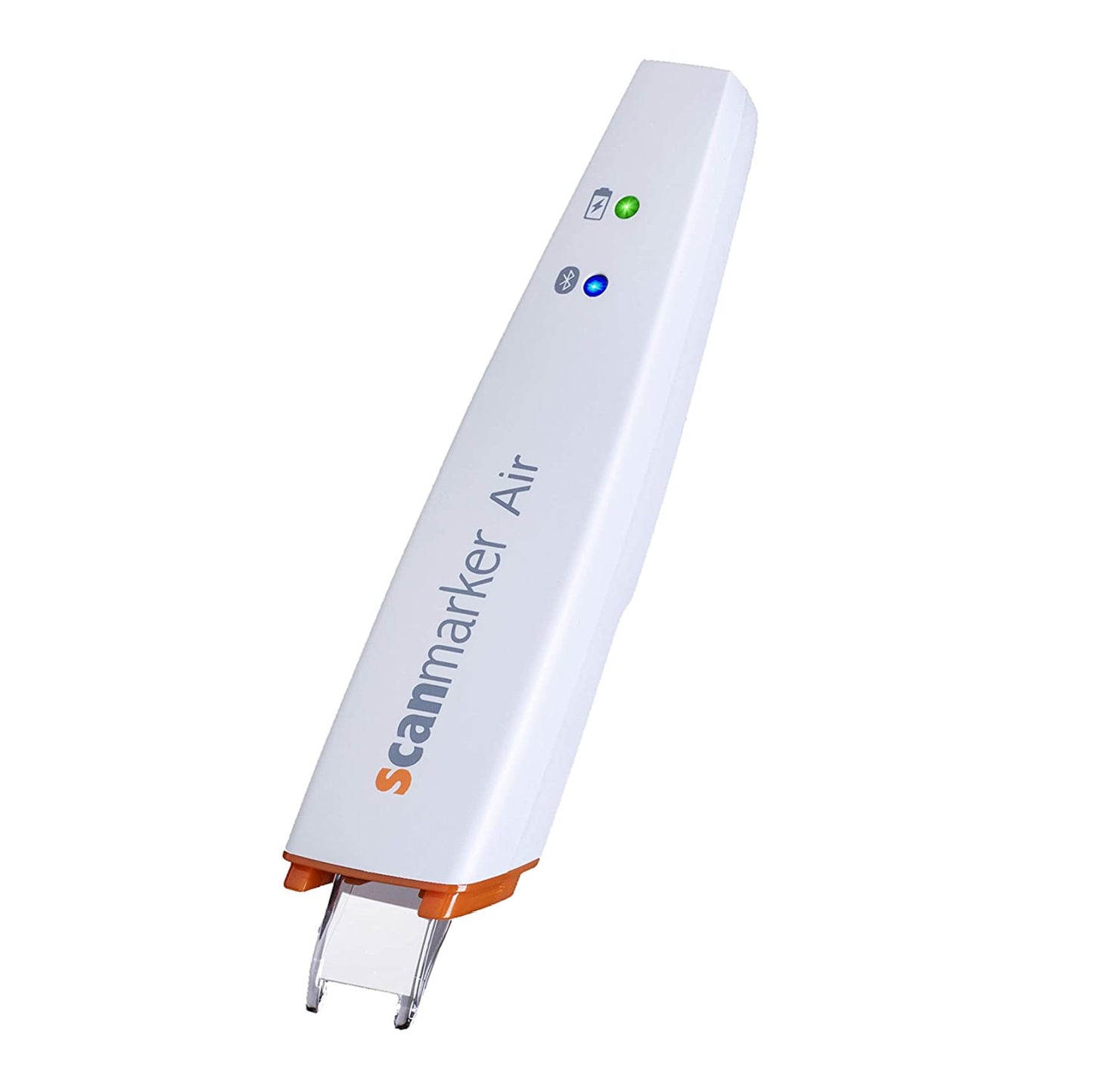
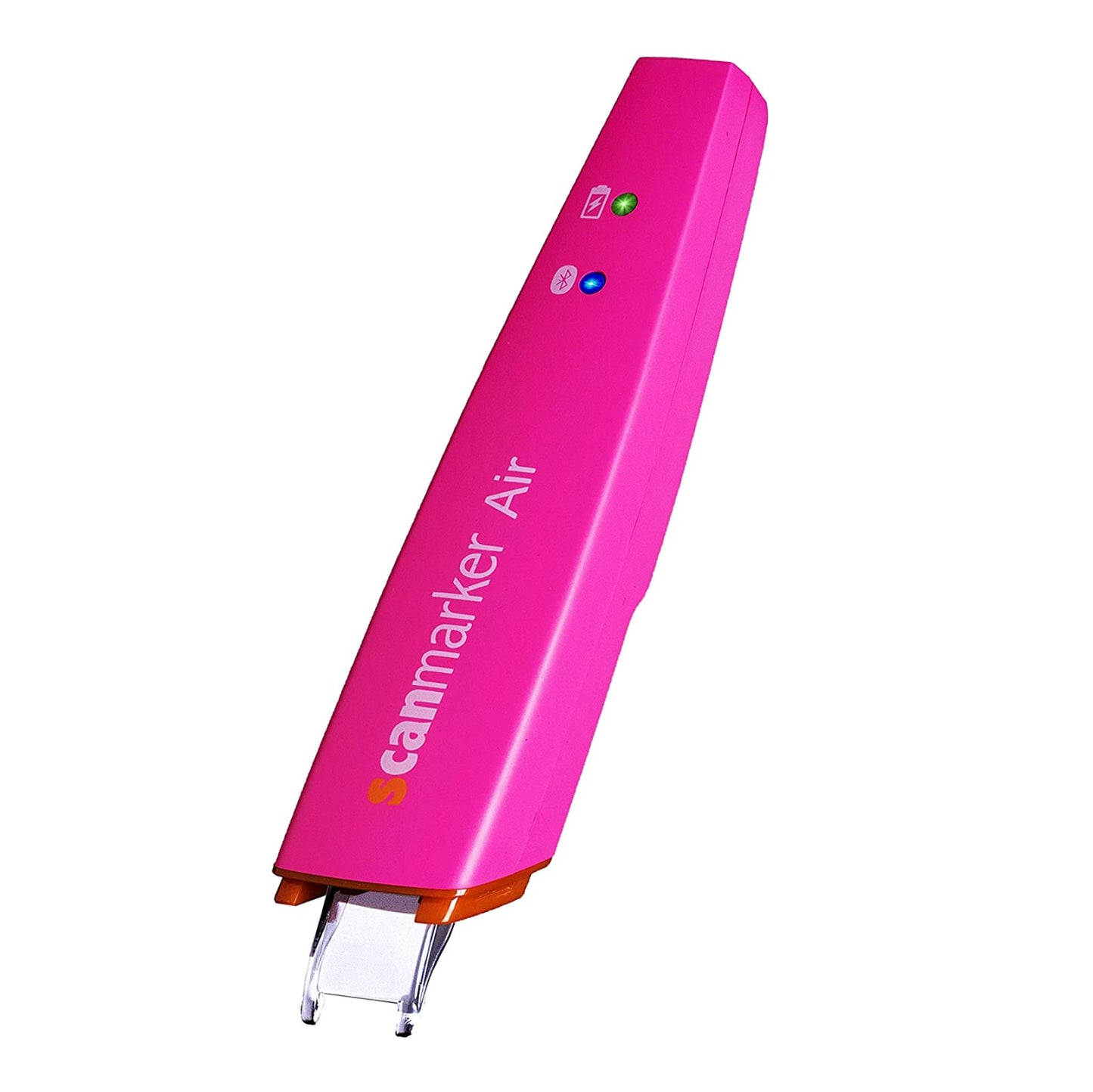
Scanmarker Air
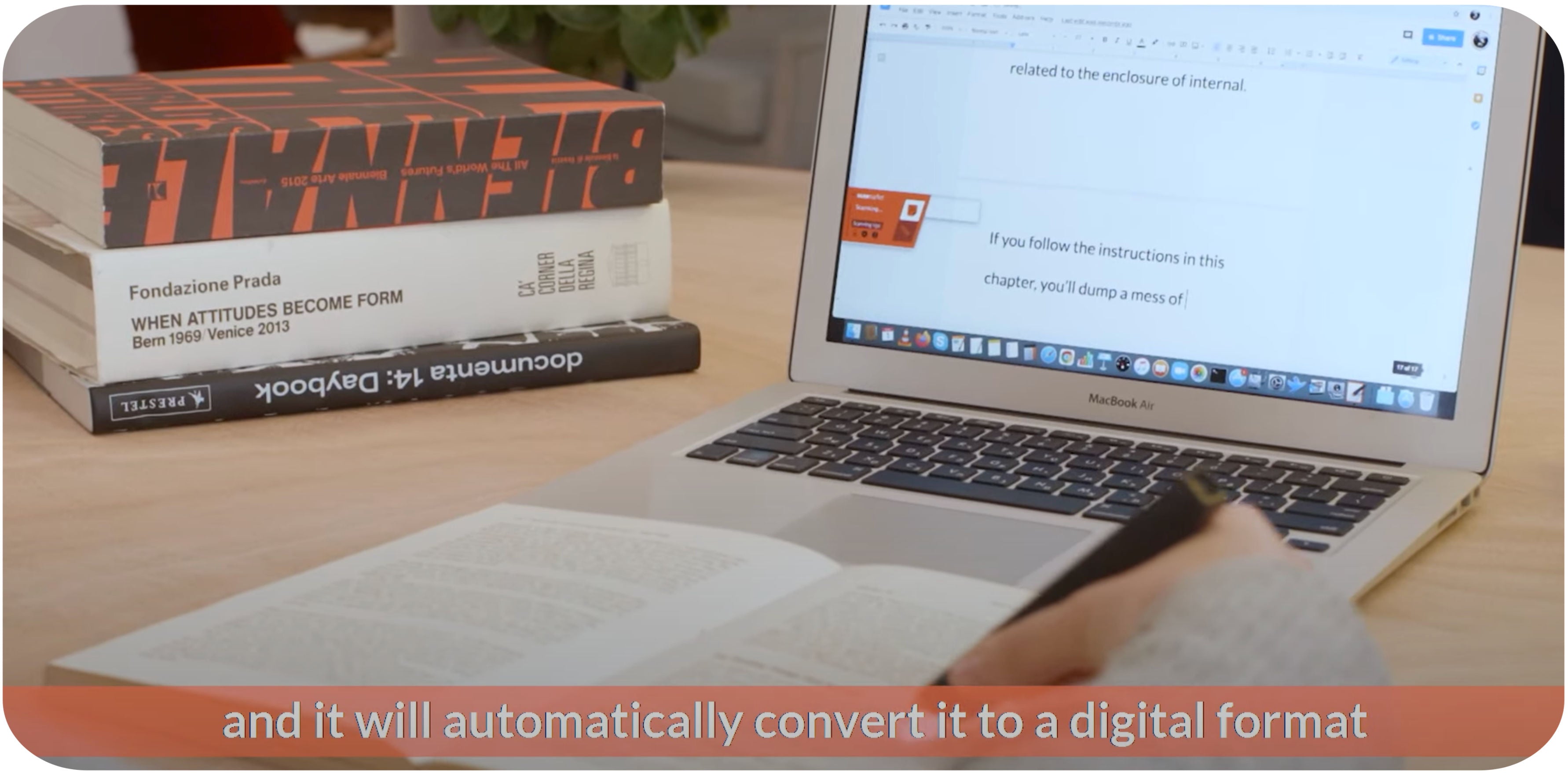
Ultimate performance & convenience
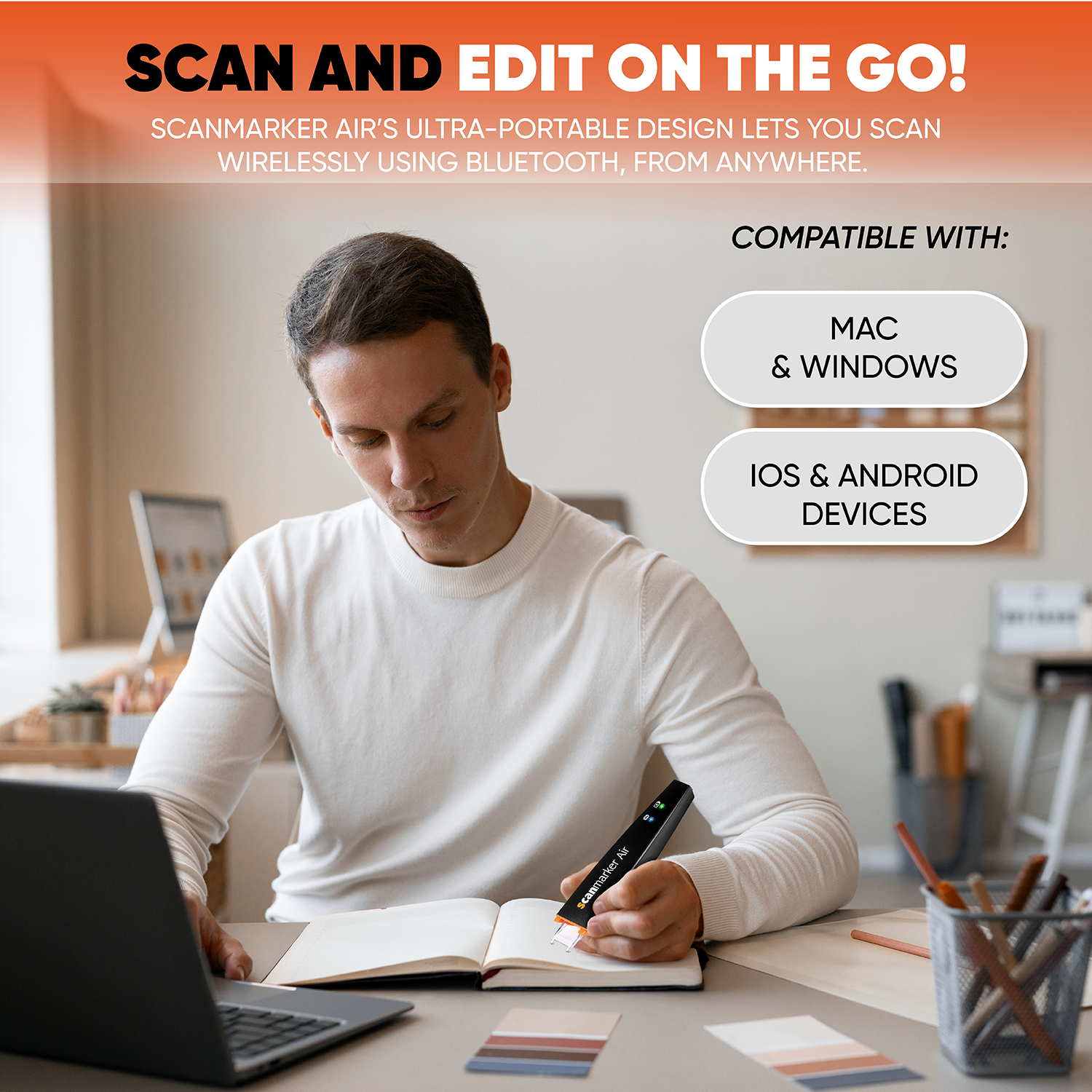
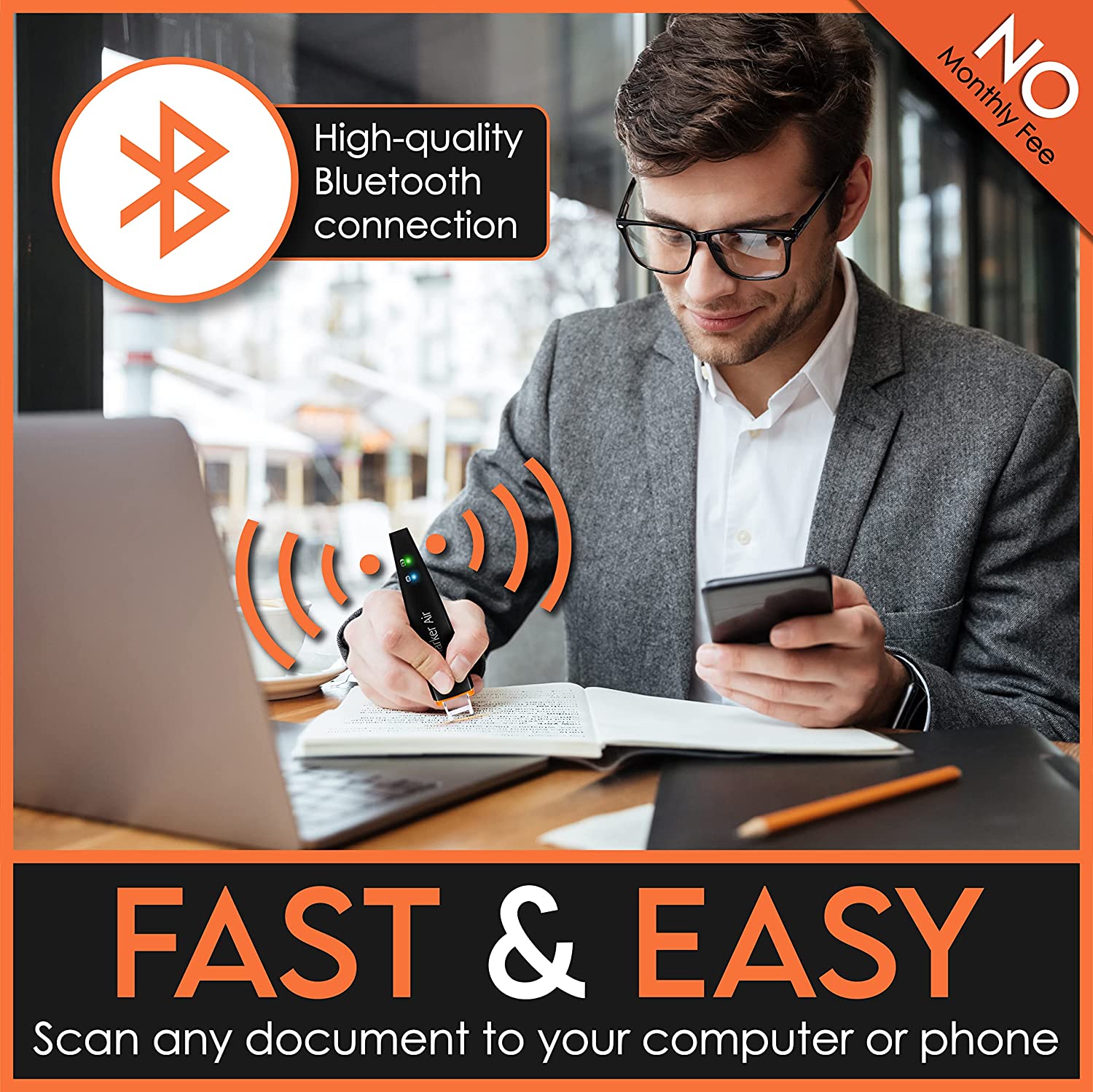
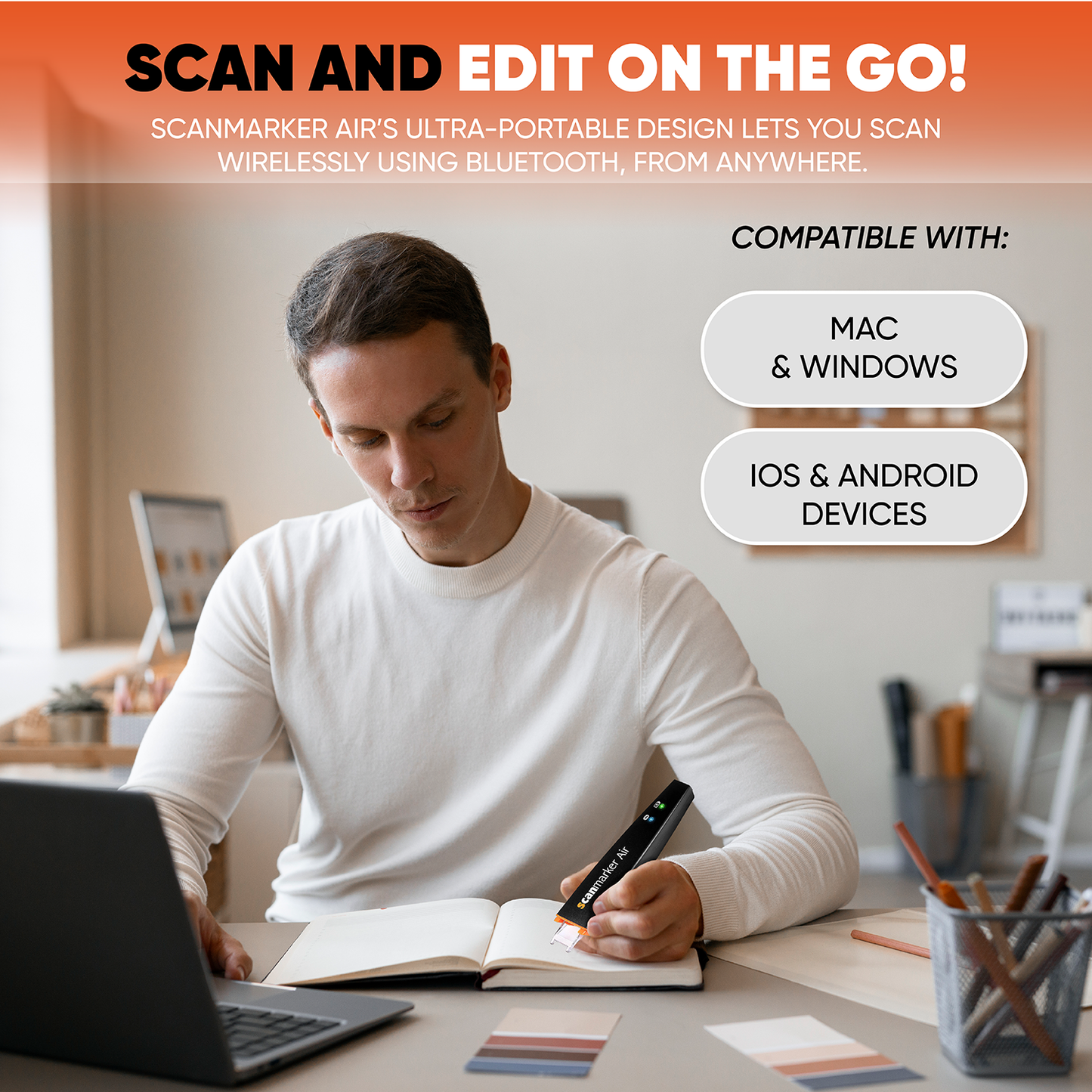
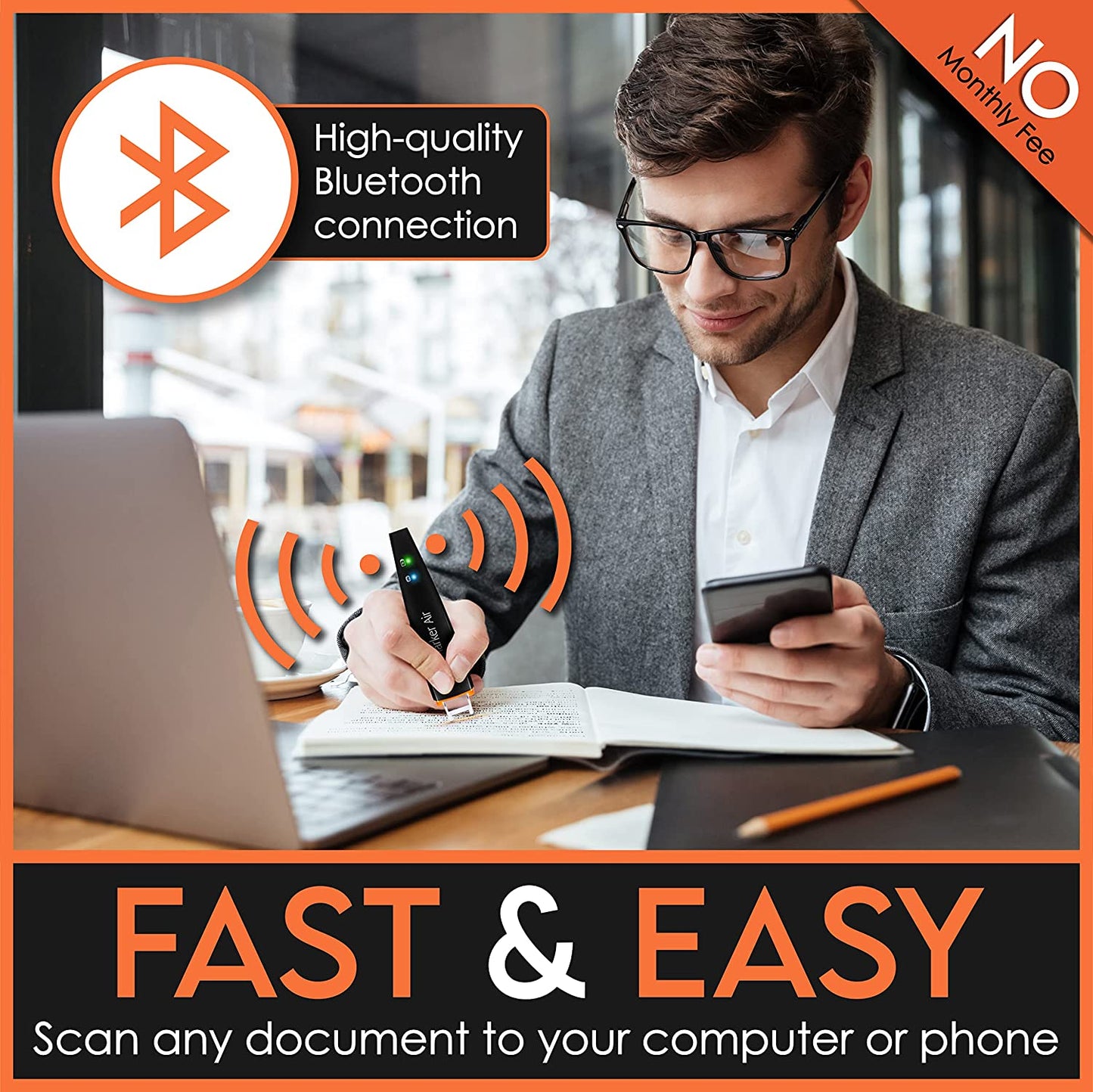
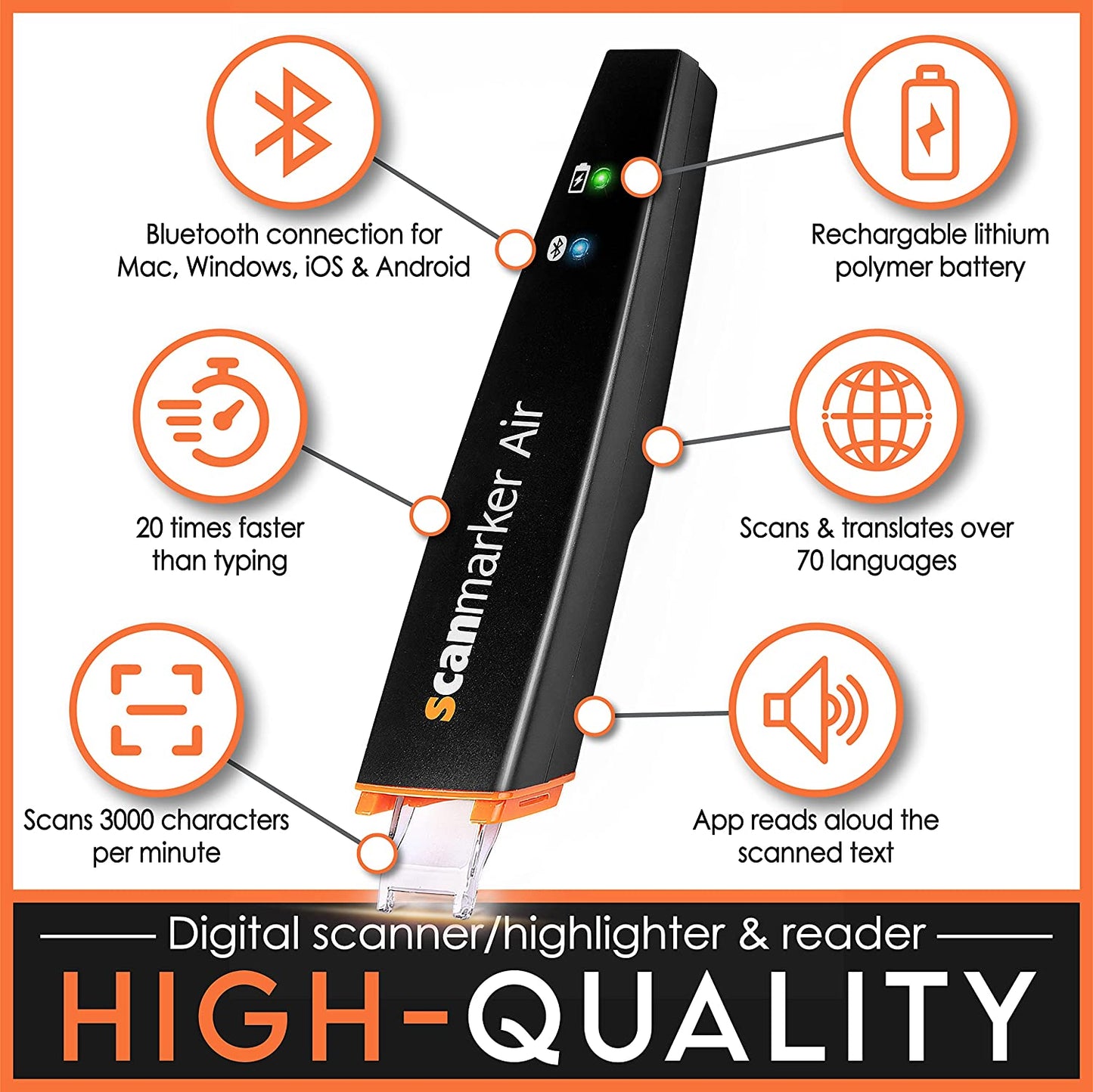
Scanmarker Air features an ultra-portable design that allows you to scan wirelessly via a Bluetooth connection to your computer, smartphone or tablet.
Use our cutting-edge, patented technology to scan directly onto any application or onto any of our intuitive mobile apps.
Scanmarker Air is compatible with all Windows, Mac, Apple iOS and Android devices.
Ultimate performance & convenience
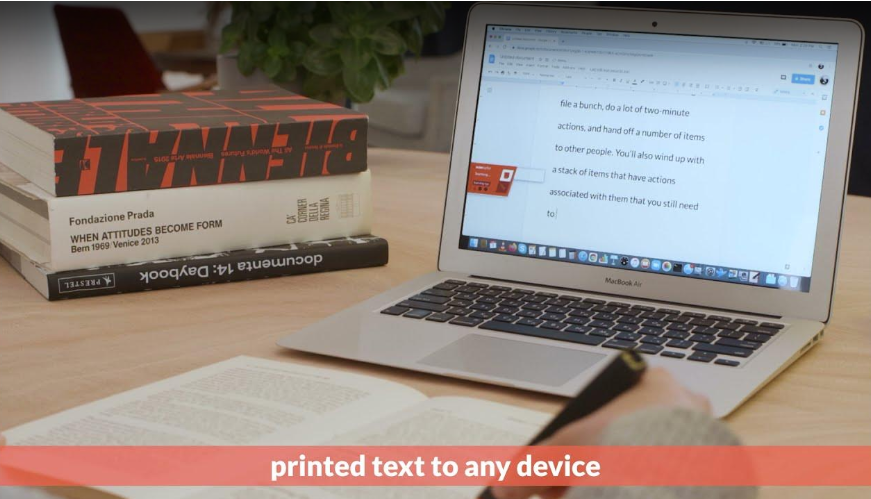
Read and write without boundaries
Scanmarker works where you need including word, google docs, email web browsers and much more. Using scan to an external feature on the web app you can scan text directly to external files on windows and mac devices.
* Need to download a native app.
Introducing the Scanmarker web based Experience!
Skip the downloads and start scanning instantly. Our new web-based software allows you to harness the power of Scanmarker directly through your browser. Just sign up with your email to experience seamless, high-speed text digitization from any device.
The Power of Scanmarker, No Downloads Required.
We know your workflow needs to be fast and flexible. That’s why we created the Scanmarker Web Experience—a powerful, browser-based tool designed for instant text recognition. Register today to enjoy effortless scanning and digitization wherever you are.
Getting Started is a Breeze:
Getting Started is Easy:
Visit the Web App: Go to app.scanmarker.com to begin.
Sign In: Enter the email address linked to your Scanmarker Air account.
Start Scanning: Enjoy instant access to the Scanmarker web experience directly in your Chrome or Edge browser.
Q&A
Is the software included with my purchase?
Your Scanmarker Air, USB, or Reader comes with free access to our software, including a monthly credit allowance for scanning and translation features. To learn more about how these credits work, please visit our Help Center.
How to Access Scanmarker Software
You can use your Scanmarker Air across multiple platforms depending on your needs. Choose the method that best fits your workflow:
1. Web Portal (Best for Instant Use)
- Access: Visit app.scanmarker.com from any Chrome or Edge browser.
- Setup: No installation required—simply log in with your account email.
- Key Features: Full access to scanning, cloud editing, and translation services.
2. Desktop Software (Best for Documents)
- Compatibility: Available for Windows and macOS.
- Primary Function: Use the Scan to External feature to scan text directly into applications like Microsoft Word, Excel, or Outlook.
- Note: This version is optimized primarily for high-speed OCR (Optical Character Recognition) directly into your local files. This version does not support translate the scanner text
3. Mobile Apps (Best for On-the-Go)
- Access: Download the Scanmarker app from the Apple App Store or Google Play Store .
- Connectivity: Connects via Bluetooth to your smartphone or tablet for portable scanning and reading.
Mobile Keyboard App (Scan Directly into Any App)
- Function: Use your Scanmarker as a custom keyboard on your mobile device.
- How it Works: Once downloaded from the app store and enabled in your phone's settings, you can scan text directly into any mobile app (WhatsApp, Email, Notes, etc.) just like you are typing with a keyboard.
- Setup: Available within the standard mobile app settings under "Keyboard Extension.
What is the difference between Air/Reader/USB and Max/Pro/Pal?
The primary difference lies in how the devices operate—either as a connected tool or as a standalone device.
Connected Models: Air, Reader, & USB
- Requirement: These models must be connected to a computer, tablet, or smartphone to function.
- Connection Type: They use Bluetooth or a USB cable to transmit data.
- Best For: Users who scan text directly into external applications like Word, Excel, or the Scanmarker Web App.
Standalone Models: Max, Pro, & Pal
- Independence: These models feature integrated touchscreen displays, allowing you to scan, read, and listen to text without any external device.
- Portability: No phone or computer is required for scanning or translation, making them ideal for exams, library research, or travel.
- All-in-One: Everything is processed and displayed directly on the pen itself.
Still unsure which model is right for you?
Explore more details in our Help Center or Contact Us for a personalized recommendation.
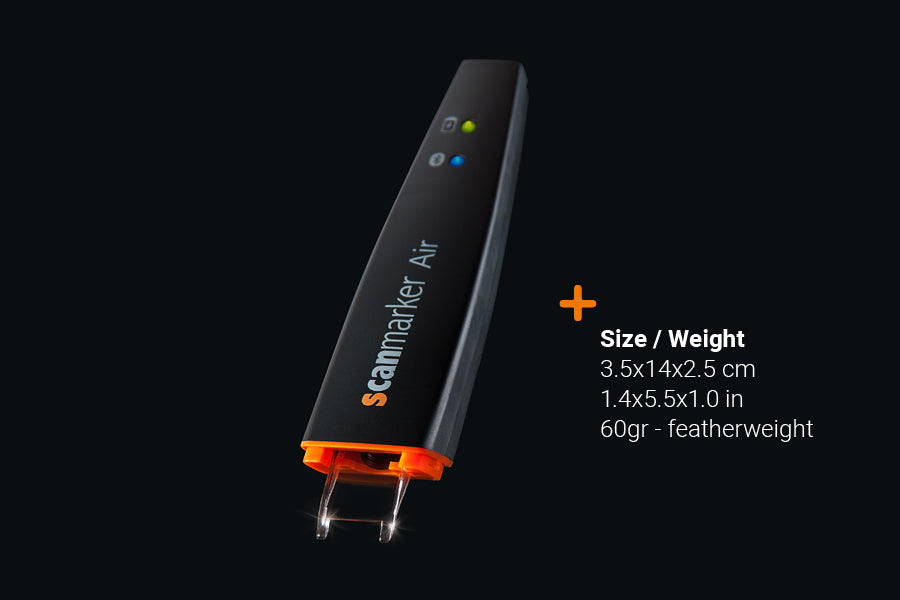
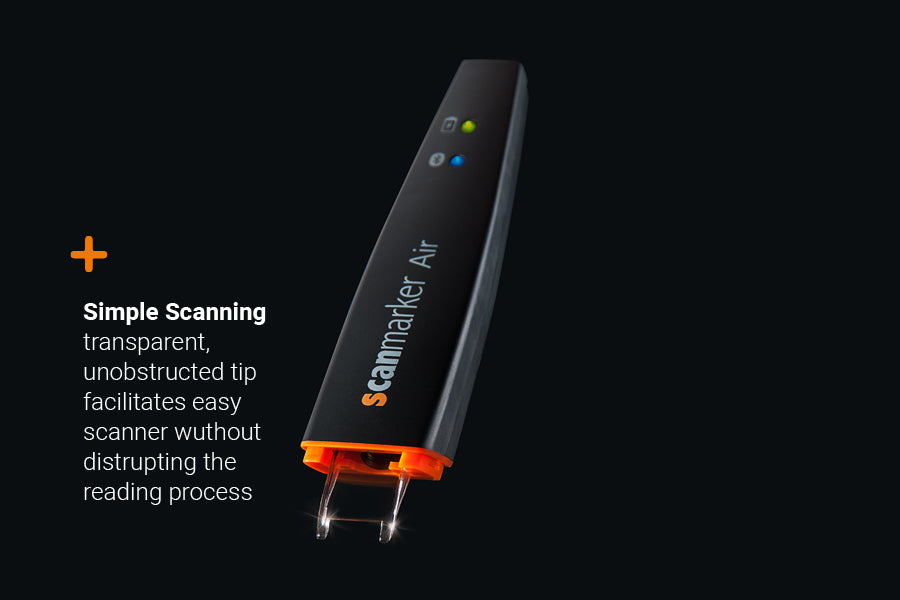
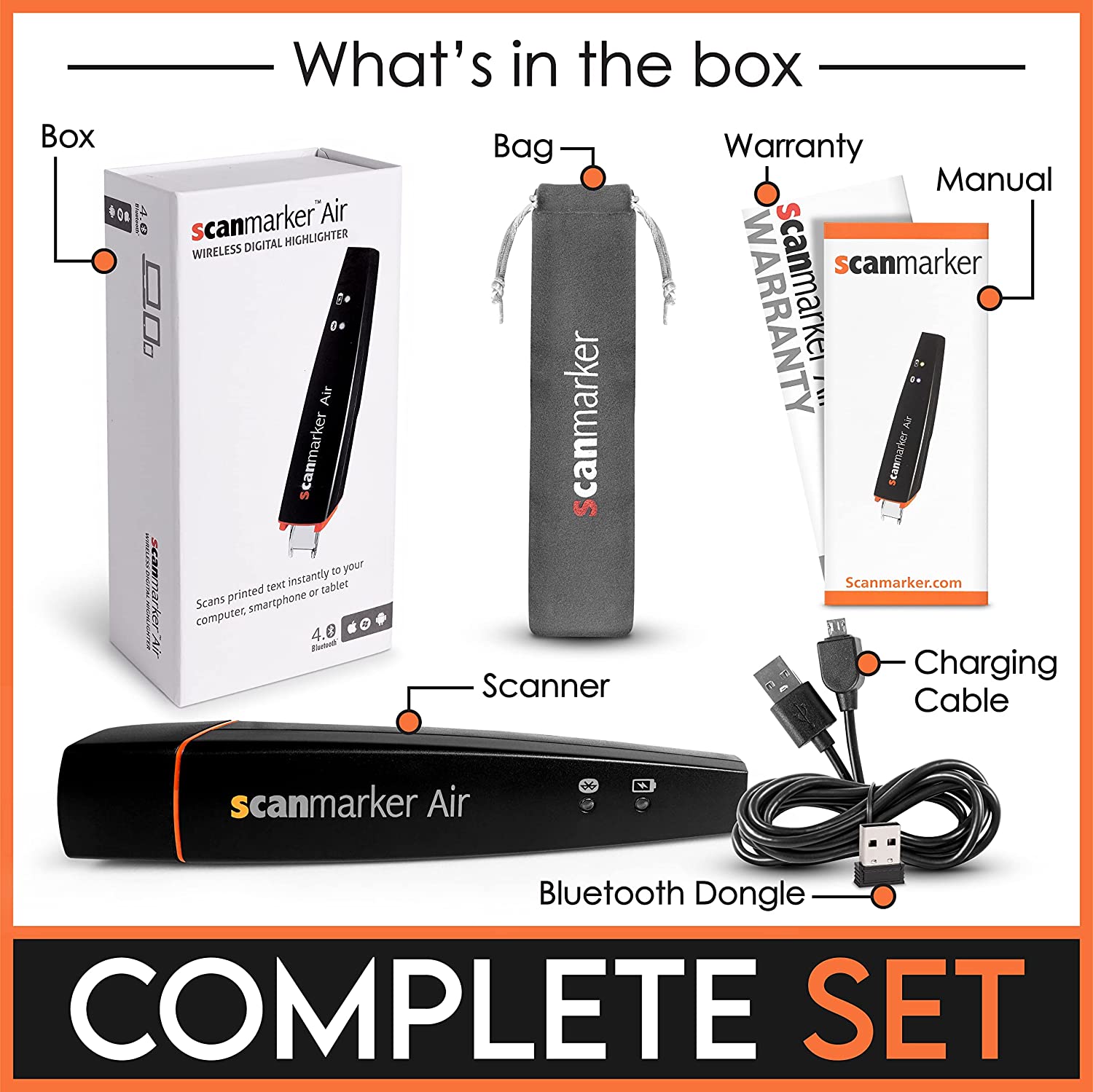
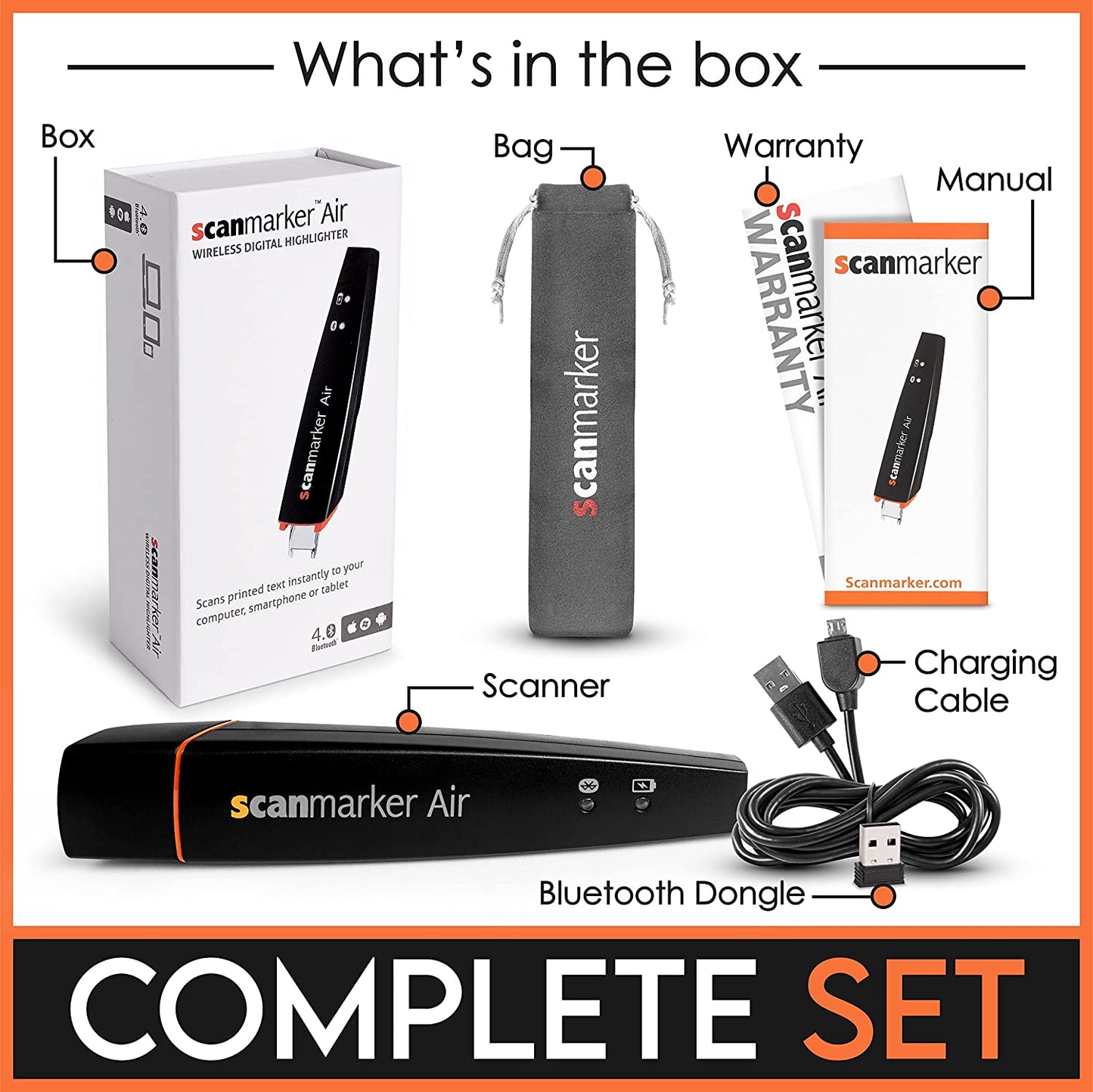
What is in the box
*For wireless connection on Windows, on macOS it connects to the built-in Bluetooth.
-
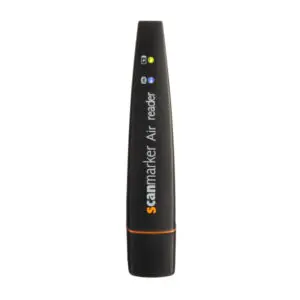
Scanmarker Air
-
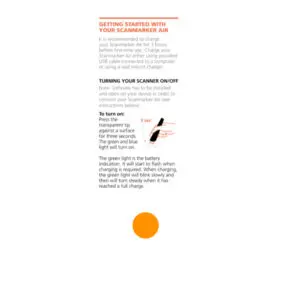
Reference guide and ruler
-
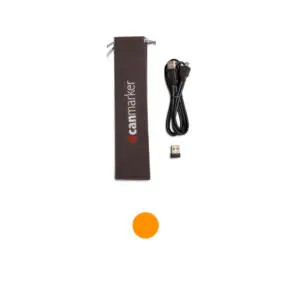
USB cable | Bluetooth dongle Pouch for storage
Specs
-
OS Support
System Requirements: All devices require Bluetooth 4.0 or a USB port.
Web Portal: Use our online software at app.scanmarker.com — compatible with Chrome and Edge browsers.
Desktop: Dedicated software available for Windows and macOS.
Chromebook: Fully supported via our online web portal.
iOS: Download the official Scanmarker app from the App Store.
Android: Available via the Google Play Store or our web-based software.
-
Additional Details
Recognition Speed: 3,000 characters per minute — a full line of text in under one second.
- Scanned Width (FOV): 1cm (0.4 Inch).
- Character Size: Supports 6 pt – 24 pt text.
- Battery: 100 mAh, rechargeable via USB
Supported OCR languages
Afrikaans, Aymara, Armenian, Azerbaijani (Latin), Azerbaijani (Cyrillic), Albanian, Arabic, Bulgarian, Basque, Belarusian, Bemba, Breton, Corsican, Chinese (simplified), Chinese (traditional), Croatian, Czech, Danish, Dutch, English, Esperanto, Estonian, Faroese, Fijian, Finnish, Farisian, French, Friulian, Galician, German, Greek, Hebrew ,Hungarian, Icelandic, Italian, Irish, Japanese, Kazakh, Korean, Latin, Latvian, Lithuanian, Luxembourgish, Luba, Macedonian, Moldovan, Maltese, Mongolian, Norwegian, Papiamento, Polish, Portuguese (Portugal), Portuguese (Brasil), Raeto Roman, Romanian, Russian, Scottish Gaelic, Serbian, Slovak, Slovene, Spanish, Swedish, Swahili, Turkish, Tagalog, Tatar, Turkmen, Uzbek (Latin), Ukranian, Welsh, Xhosa, Zulu, Quesha
*Some languages might not support reading highlight